Tutorial

From signup to your first delivered order

A six-step tutorial: create your store, source products, set your margin, publish to 1shop.bd, take COD orders and fulfil with Pathao.

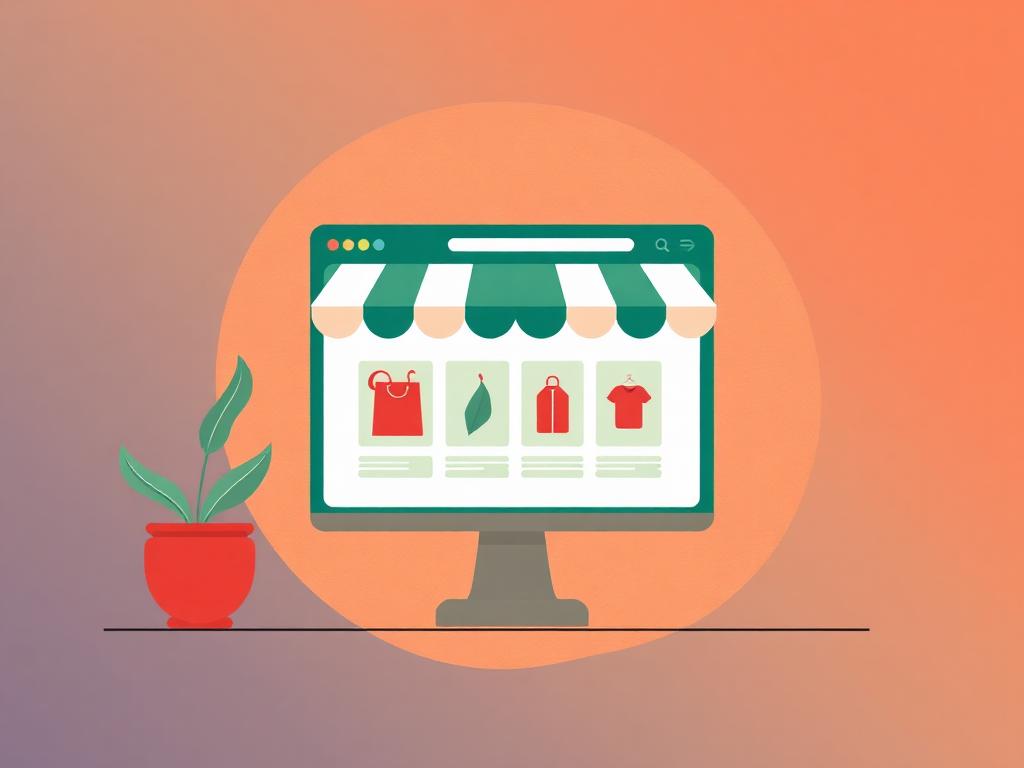
Creating an online store on a laptop
1

Create your store

Sign up with email, Google or Apple. Choose your shop name and slug during onboarding — your public URL is reserved instantly as 1shop.bd/your-slug.

Takes about two minutes. You can rename the store later; brand names on published products re-sync automatically.
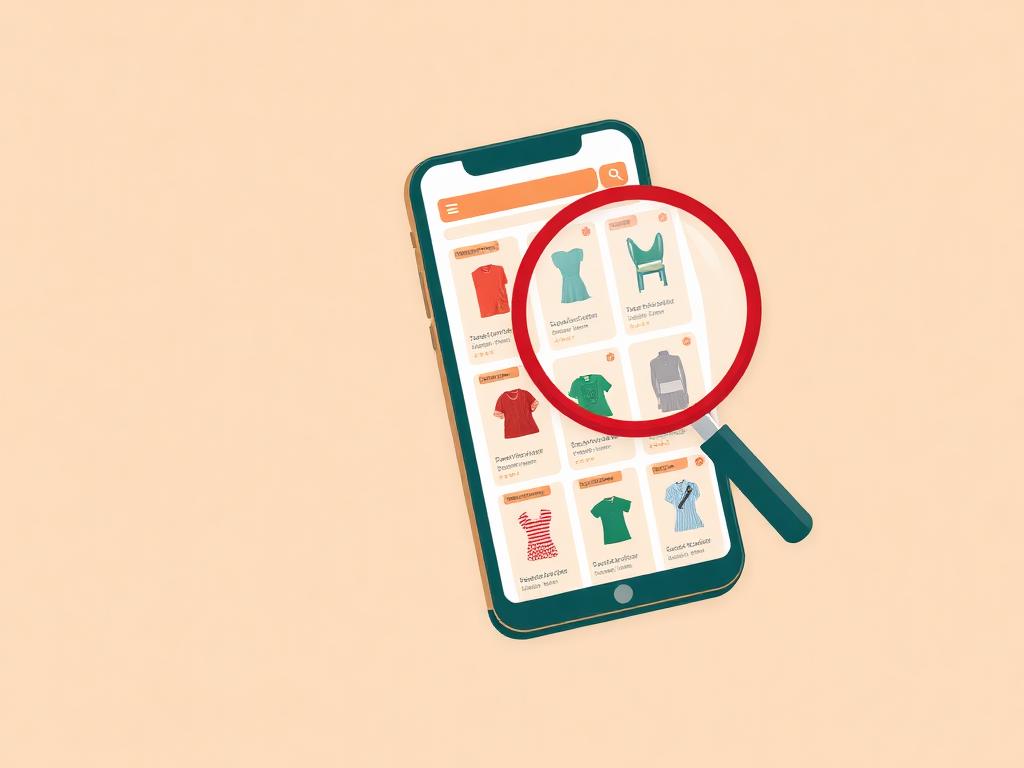
Browsing a supplier catalogue on a phone
2

Source your products

Open Sourcing, search the supplier catalogue or browse the Trending and Winning feeds, and shortlist items that fit your niche.

Rank badges show relative demand. Cached results keep browsing fast even during peak hours.

Calculator and price tag showing margin
3

Set price and margin

Import converts supplier USD cost to taka and applies your default 30% margin. Override the selling price per product or per variant.

Cost and margin stay private to your dashboard — buyers only ever see the selling price.

Publishing a storefront to the web
4

Publish to 1shop.bd

Preview the branded storefront card, then flip Publish to 1shop. The product goes live on your public store within seconds.

Every publish and unpublish is recorded in the audit log with a timestamp.

A customer paying with cash on delivery
5

Take orders

Share your storefront link on Facebook, WhatsApp or Messenger. Orders arrive with COD, bKash or Nagad selected and appear on your dashboard in realtime.

Duplicate submissions are blocked by idempotency keys, so a shaky mobile connection never creates two orders.

Delivery rider carrying parcels
6

Fulfil and deliver

Get a live Pathao quote, book the consignment in one click, and track delivery status on the order timeline until cash is collected.

Revenue, orders and stock update live on the analytics screen as consignments complete.

Start selling in Bangladesh today

Create your store free. No card required — you only pay product cost when an order is placed.

or continue with